

Documentation · Setup
The setup wizard
What the wizard asks you on first start, and why.
since 0.9.7.6
Purpose
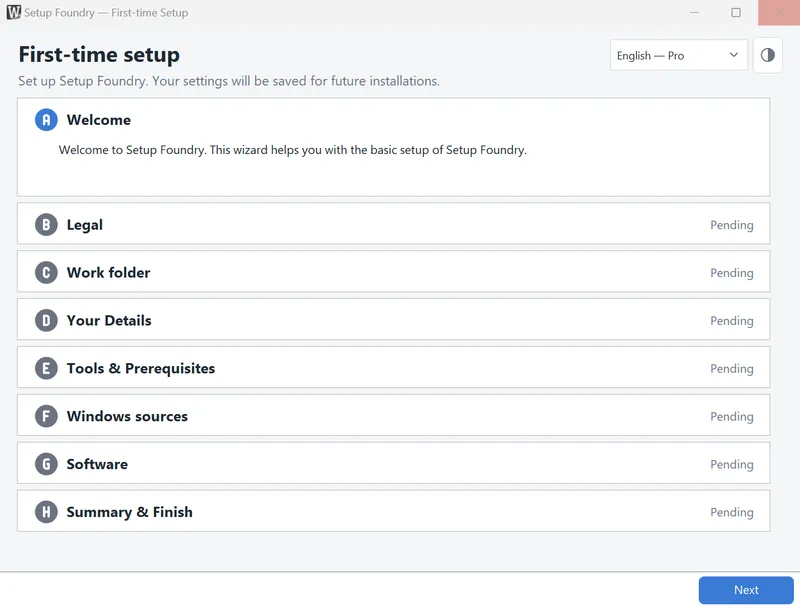
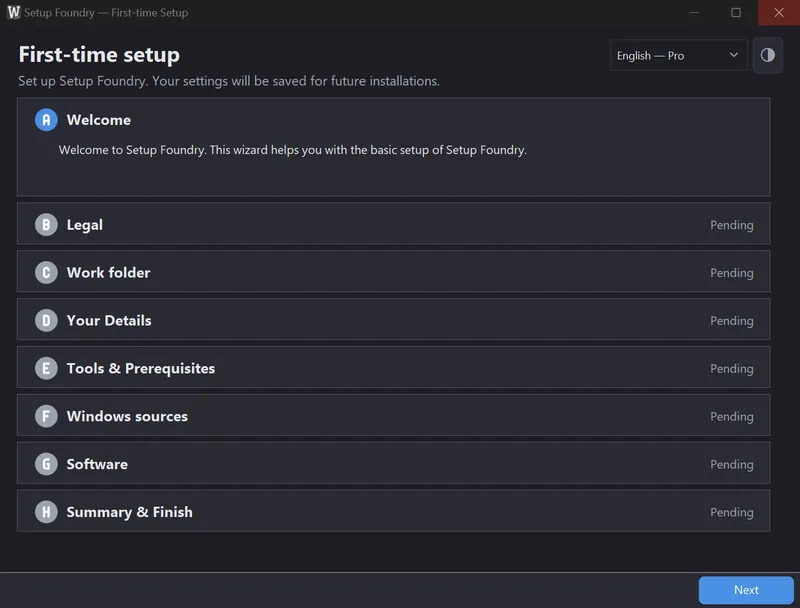
The setup wizard opens the first time you start Setup Foundry. It lets you set the most important settings that Setup Foundry needs. The Next button takes you to the next step.
You do not have to complete every step immediately. Welcome, Legal, Work folder, Your Details, and Summary & Finish are mandatory. Every other step has a Skip button. Tools & Prerequisites is mandatory only if it finds an error; otherwise, you can skip it. You can also make almost every setting later in the application.
Steps
- Welcome gives you an overview of Setup Foundry.
- Legal shows the legal information. Below it is an optional box: whether Setup Foundry may report errors to us.
- Work folder sets where all installation media and downloaded software are stored.
- Your Details sets the name and password for the administrator account of the new Windows.
- Tools & Prerequisites checks whether any required components are missing; see the page System requirements for more information.
- Windows sources sets which Windows will be installed on the target computer; see the page Importing an ISO for more information.
- Software sets the applications installed with the new Windows; see the page Choosing applications for more information.
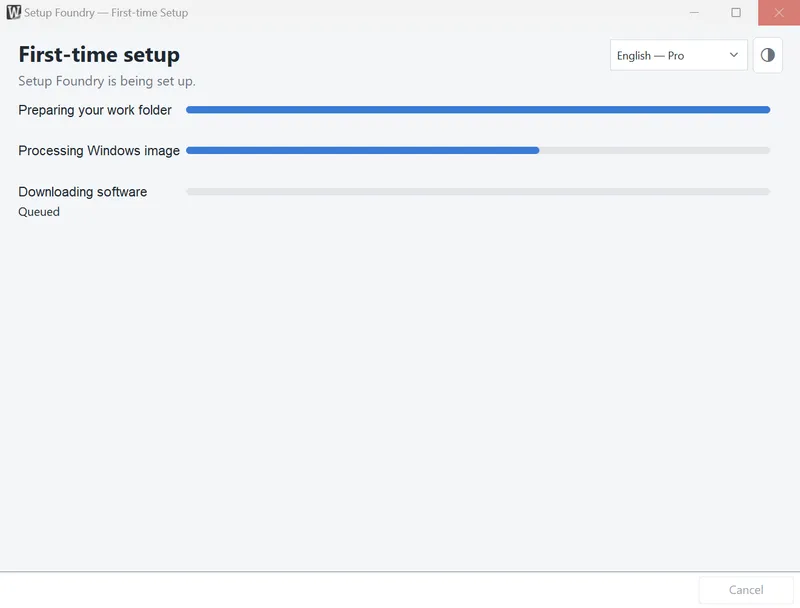
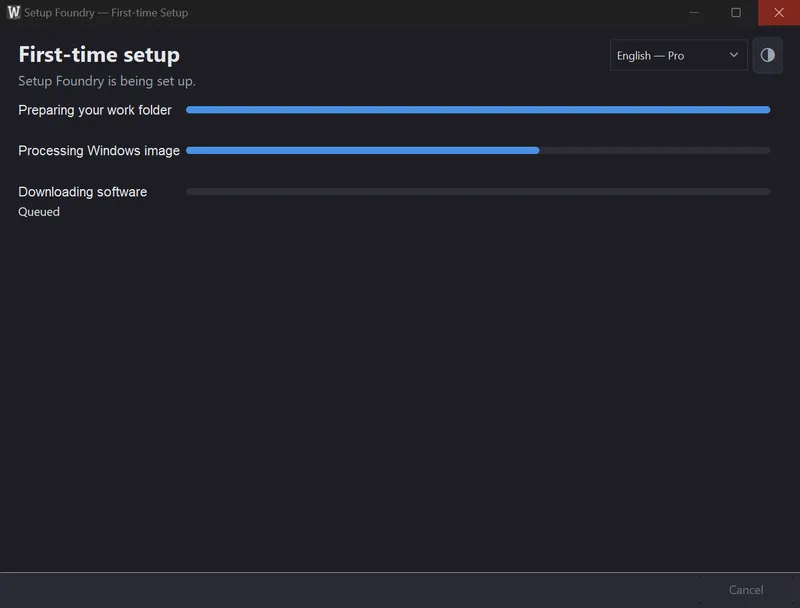
- Summary & Finish shows everything on one page; the button below it applies your entries and Setup Foundry starts working, which takes a few minutes and noticeably longer if you select a lot of software, several minutes per package for large applications.
Notes
The wizard runs only once. Everything you set there is then available in the application and can be changed there.
You can close the wizard and continue later.