

Documentation · Getting started
Quick start
From first launch to a bootable USB installation medium.
since 0.9.7.6
Purpose
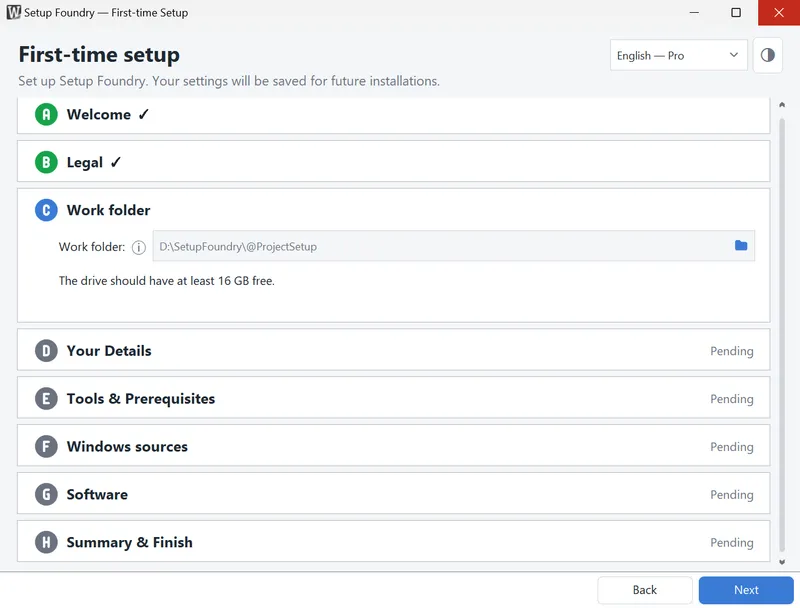
This guide takes you from the first launch of Setup Foundry to a finished installation medium in eight steps. Each step links to a page with full details.
You need an internet connection or a Windows ISO file on this PC, and a USB drive whose contents you no longer need. Allow about twenty minutes for your entries; downloads run afterwards.
Steps
- Install and start Setup Foundry. The setup wizard opens automatically. Confirm the legal texts and decide whether Setup Foundry may report errors to the manufacturer. For full details, see Installing Setup Foundry.
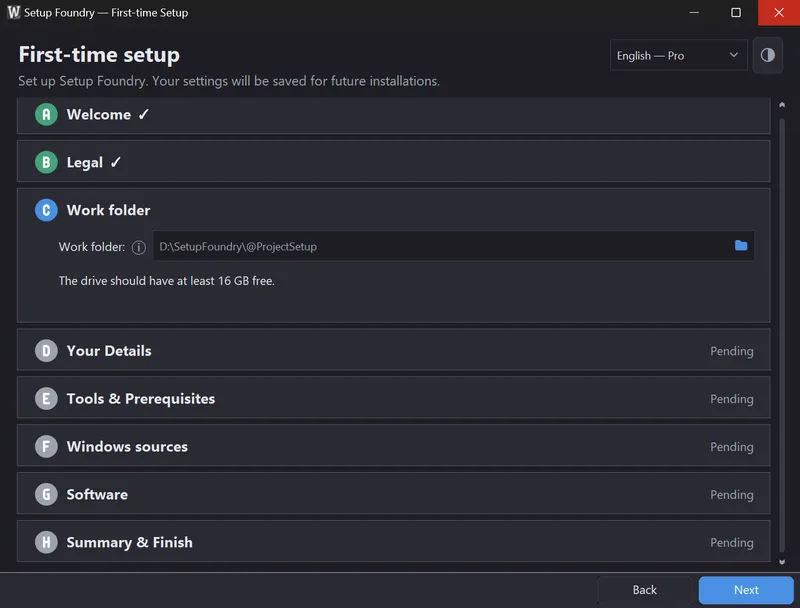
- In Work folder, choose a drive with enough free space. Setup Foundry stores the Windows sources, downloaded applications, and finished media there.
- In Tools & Prerequisites, address every red item. You can leave yellow warnings for now. For full details, see System requirements.
- In Windows sources, choose the Windows version. Setup Foundry downloads Windows from Microsoft or uses an ISO file already on this PC. For full details, see Importing an ISO.
- Software: Here you can choose software that is available through WinGet. The full software catalog currently includes about 15,000 packages. We have already prepared a small selection of recommended programs for you. The full software catalog is available to you both in the wizard and later in Setup Foundry. See Selecting applications.
- In Summary & Finish, finish the wizard. Setup Foundry then downloads Windows and the selected applications.
- Create the medium. Connect the USB drive and start the build. For full details, see Creating a USB drive.
- Test the medium in the test machine before you use it on a target computer. For full details, see Using the test machine.
Result
You have a bootable USB drive. When a computer starts from it, Windows installs itself with the accounts, applications, and settings you set.
Notes
The wizard collects your choices. Downloads start when you finish the wizard.
Applications are downloaded once and then installed from the medium. The target computer needs no internet connection during setup.
Caution
Creating the medium erases the USB drive. Use only a drive whose contents you no longer need.
If it does not work
- The drive does not boot: Check the boot settings of the target computer. For more information, see USB drive problems.
- The test machine is not offered: Hyper-V or VirtualBox is missing, or the computer has too little memory. You can create the medium without this test.