

Documentation · Foundry
Configuring users
Set the administrator account for the installed Windows and add other user accounts in Pro.
since 0.9.7.6
Purpose
Set the administrator account for the completed Windows installation. In Setup Foundry Pro, you can create additional Windows users.
Availability
The User management section on the Users page is available only in Setup Foundry Pro. Setup Foundry Free and Home always install exactly one administrator account.
The Company (optional): and Manufacturer: fields are available in the PC information settings. They are visible but locked in Free and Home. You can change them only in Setup Foundry Pro.
Steps
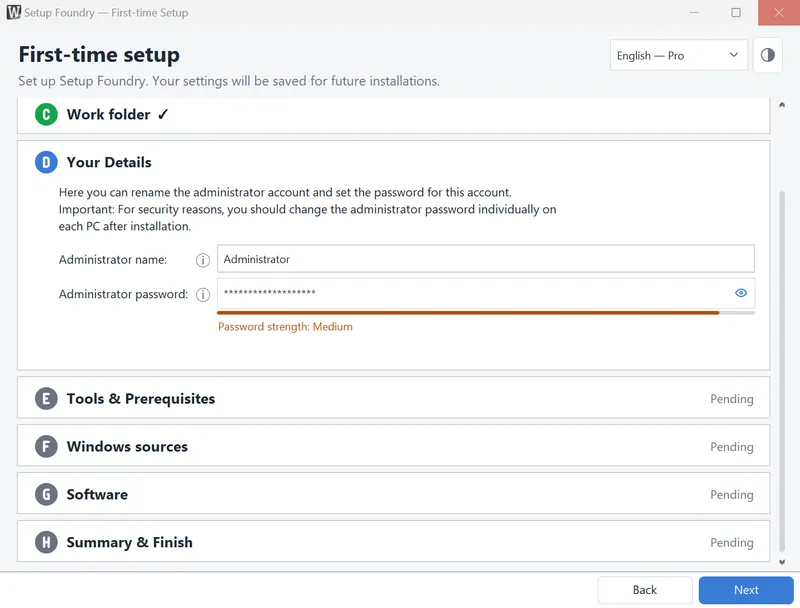
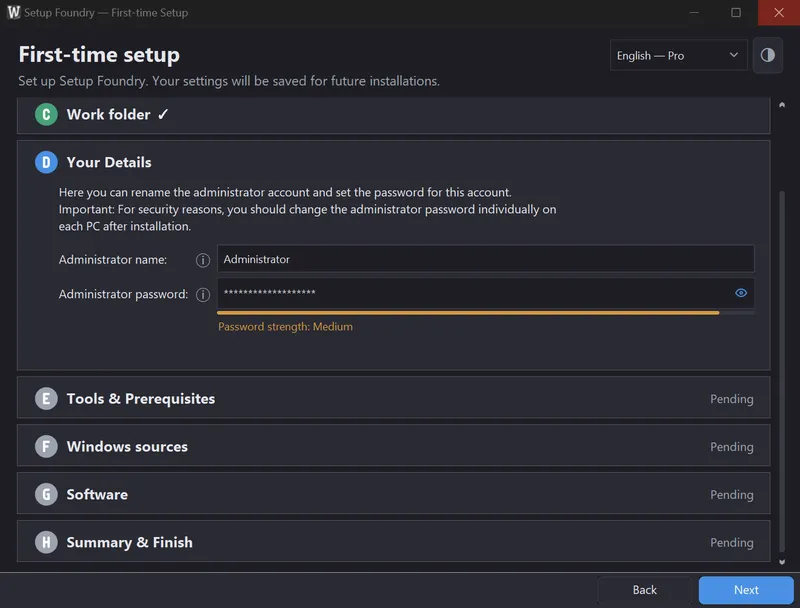
You set the administrator's name and password during the first start in the setup wizard, step Your Details. To change either later:
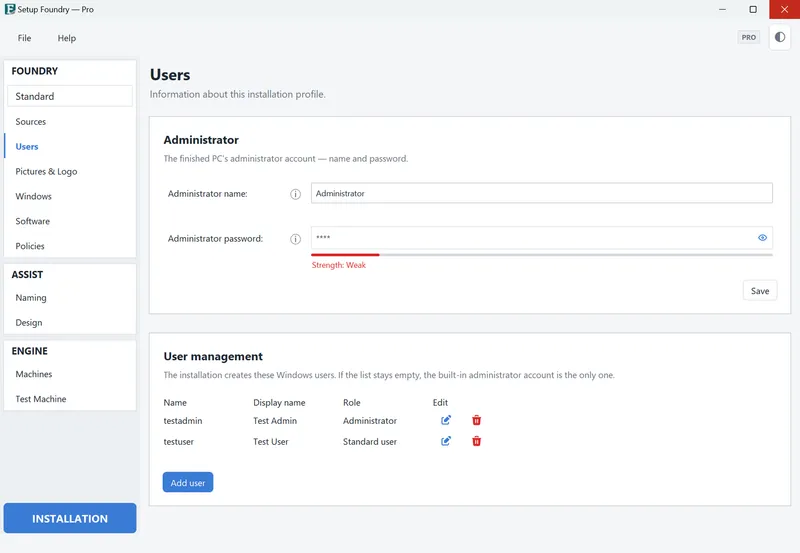
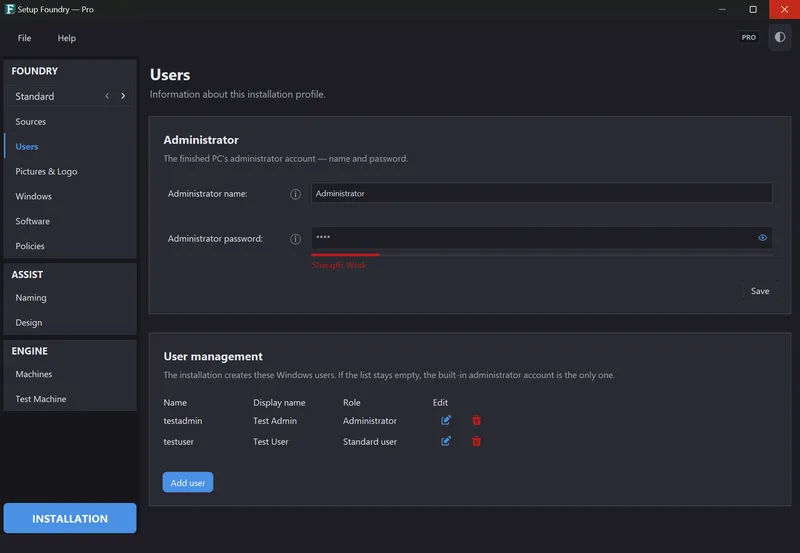
- Open the Users page.
- In the Administrator section, change the name or the password.
- Click Save.
The Your Details step states: “The administrator uses this name and password to sign in to the newly installed Windows.”
Result
The administrator account is already present on the target PC when you first sign in. Windows setup does not ask about accounts.
Notes
The account is intended for administration.
The administrator name can contain at most 20 characters. Windows does not allow the characters “ / \ [ ] : ; | = , + * ? < > @” in it. A name cannot consist only of periods or spaces.
The bar below Administrator password: rates the password strength. It does not prevent you from entering a password.
In Setup Foundry Pro, the section for additional accounts is called Users on the new PC. It states: “The installation creates these Windows users. If the list stays empty, the built-in administrator account is the only one.”
Use Add user, Edit user, and Remove user there. For each user, enter User name:, Display name:, Password:, and User is an administrator:.
You can create at most 20 users. The same rules apply to the user name as to the administrator name.
Important
The password is stored in the installation data on the media. It is only encoded there, not encrypted. Treat a completed USB drive and a completed ISO like storage media that contain credentials.
If it does not work
- Enter a name to continue.: Enter an administrator name.
- The administrator name must not exceed 20 characters.: Shorten the name.
- Please change the administrator account name: it contains an invalid character.: Remove the invalid characters.
- Enter an administrator password that isn’t blank or only spaces to continue.: Enter an administrator password.
- “The administrator password needs at least … characters.”: Set a longer password. The message states the required number.
- “The name “…” is reserved by Windows or the installation.” (Setup Foundry Pro only, user management): Choose a different user name.
- “You can create up to 20 users.” (Setup Foundry Pro only, user management): Remove a user.