

Documentation · Setup
System requirements
Requirements for the computer that runs Setup Foundry. The application checks them and reports anything that is missing.
since 0.9.7.6
Purpose
This page describes the requirements for the computer that runs Setup Foundry. The setup wizard checks them in the Tools & Prerequisites step and shows what is missing.
Availability
Setup Foundry runs on Windows only: Windows 10 or 11, 64-bit. For the test machine with Hyper-V you need a Windows edition that includes Hyper-V (Pro, Enterprise, Education); with VirtualBox, Windows Home works too.
Steps
- Open the Tools & Prerequisites step.
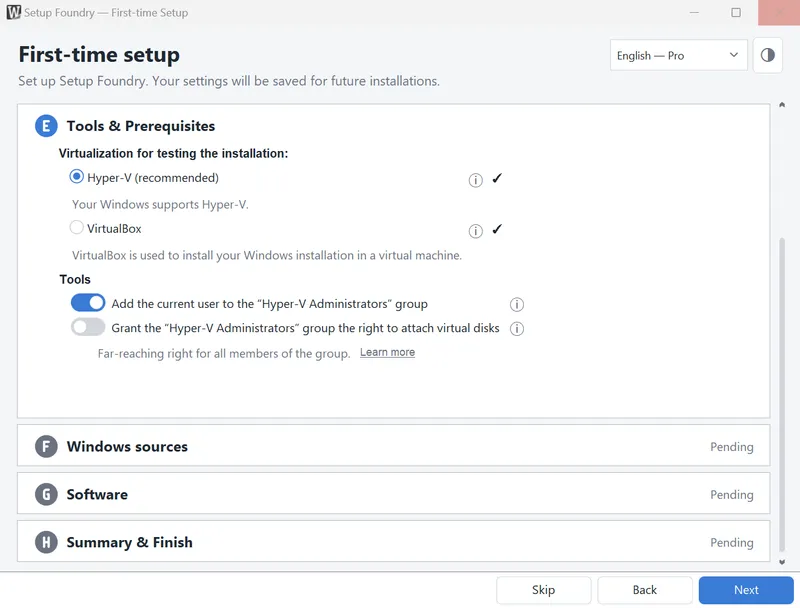
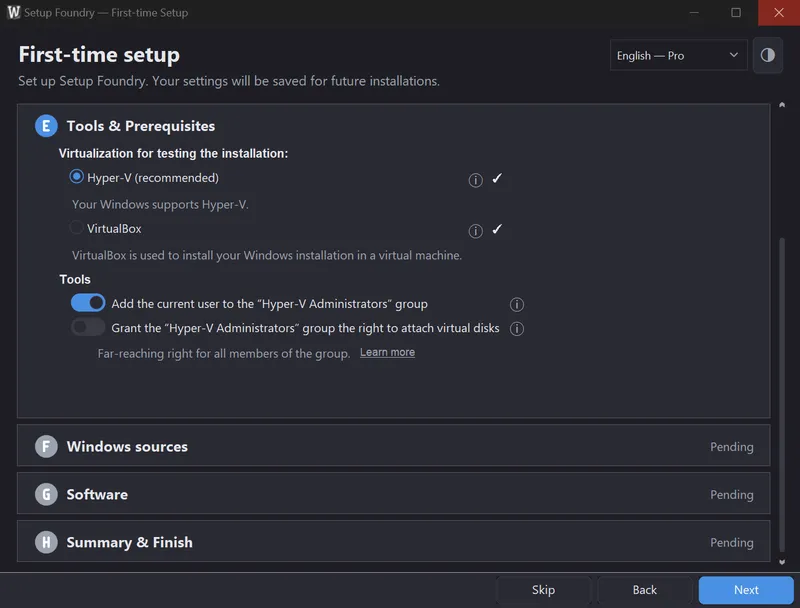
- Review the two sections of the step: Requirements contains the required items, and Tools contains the additional tools.
- Fix every item marked as an error. Warnings do not stop you from continuing.
- Install additional tools now or later. Setup Foundry offers to install them.
Result
When every required item is satisfied, the step shows a green icon. Additional tools may remain missing. Features that need them remain unavailable and are marked where they are used.
Notes
Free disk space: An installation medium needs at least 16 GB free on the work folder's drive. Below 16 GB, the step reports an error and does not let you continue. 64 GB is recommended if you build a complete installation medium. Between 16 GB and 64 GB, the step names the shortfall but lets you continue.
Memory: Memory applies to the test machine. With less than 16 GB, installation testing in Hyper-V is not available. 32 GB is recommended. Below that, the step reports that memory is tight but does not block you.
Administrator rights: Setup Foundry needs administrator rights when it services a Windows source or writes to a disk. A separate helper sits beside the program for this. If the helper is missing, the step reports an error.
Two virtualization options are available for testing a medium. Hyper-V is part of Windows, but not of Windows Home. Setup Foundry can turn on Hyper-V. You must restart afterwards.
VirtualBox is available for every Windows edition, including Windows Home. Setup Foundry can download and install VirtualBox.
Important
Neither tool is needed to create a medium. They only serve to test the finished medium.
If it does not work
- The step does not let you continue: There is an error under Requirements, usually free disk space. Free up space on the work folder drive, or select another drive in the Work folder step.
- Hyper-V cannot be turned on: Windows Home has no Hyper-V. Use VirtualBox there. On Windows Pro, automatic activation can fail without administrator rights. You can also turn on Hyper-V through “Turn Windows features on or off”.
- Hyper-V is present, but the test machine is still not offered: Check the memory. Below 16 GB, the test machine is not available.